
Free checklist · Two pages
A continuous load lands on a battery bank that was sized years before anyone thought about satellite. This is the list of things to confirm first, in the order a site operator would actually work through them.
Built from published manufacturer specifications, with the source named on every figure. No estimates presented as measurements.
Straight to your inbox, and on screen the moment you submit.
Your checklist is on its way. Check your inbox.
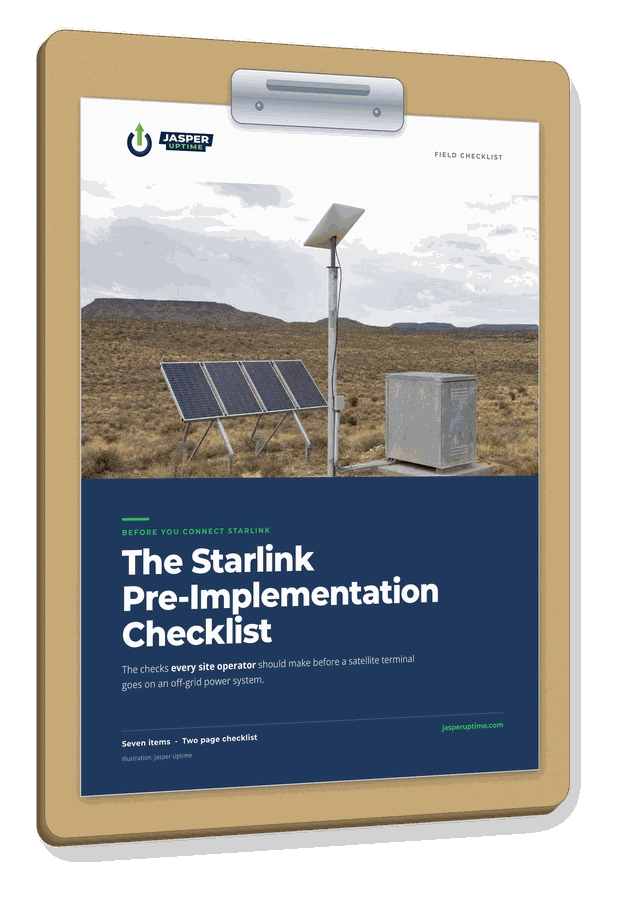
Seven items, three lines each. Tick every line you can confirm today.
A terminal runs all day and all night. Decide how you will see the battery bank, and who gets told when it starts dropping.
The kits draw very different amounts and take power in different ways. Get the model and generation in writing before you size anything.
Your battery bank is sized in energy. Convert before you compare, and assume the link runs 24 hours unless someone has set up a sleep schedule.
If the terminal runs from an inverter, the inverter has to stay on all night. Its own consumption comes out of the bank too.
The number that matters is how long the site runs with no charging. Compare the new figure against how long it takes you to get there.
The array was sized against an average. The week that takes a site down is the one with the least sun, and snow melt runs in the same season.
It is a power system checklist, not a comms guide.
The terminal wattages are published by the manufacturer. Your inverter's idle draw is on its own datasheet. The trend is already in your controller logs.
The problem is that nobody reads them. A failing bank shows warning signs for weeks before a site goes quiet, and those signs sit in a controller that has no way to tell anyone.
Two pages. Seven items. Free, and yours to take to a site.
Download the checklist